Learn how to create a QR code for free in minutes. Generate QR codes for websites, Wi-Fi, WhatsApp, business cards, and more with this easy guide.
Discover how to create QR codes for free for websites, Wi-Fi, WhatsApp, business cards, and more. Follow this simple guide with QrFuse.
QRFUSE Team
October 21, 2026
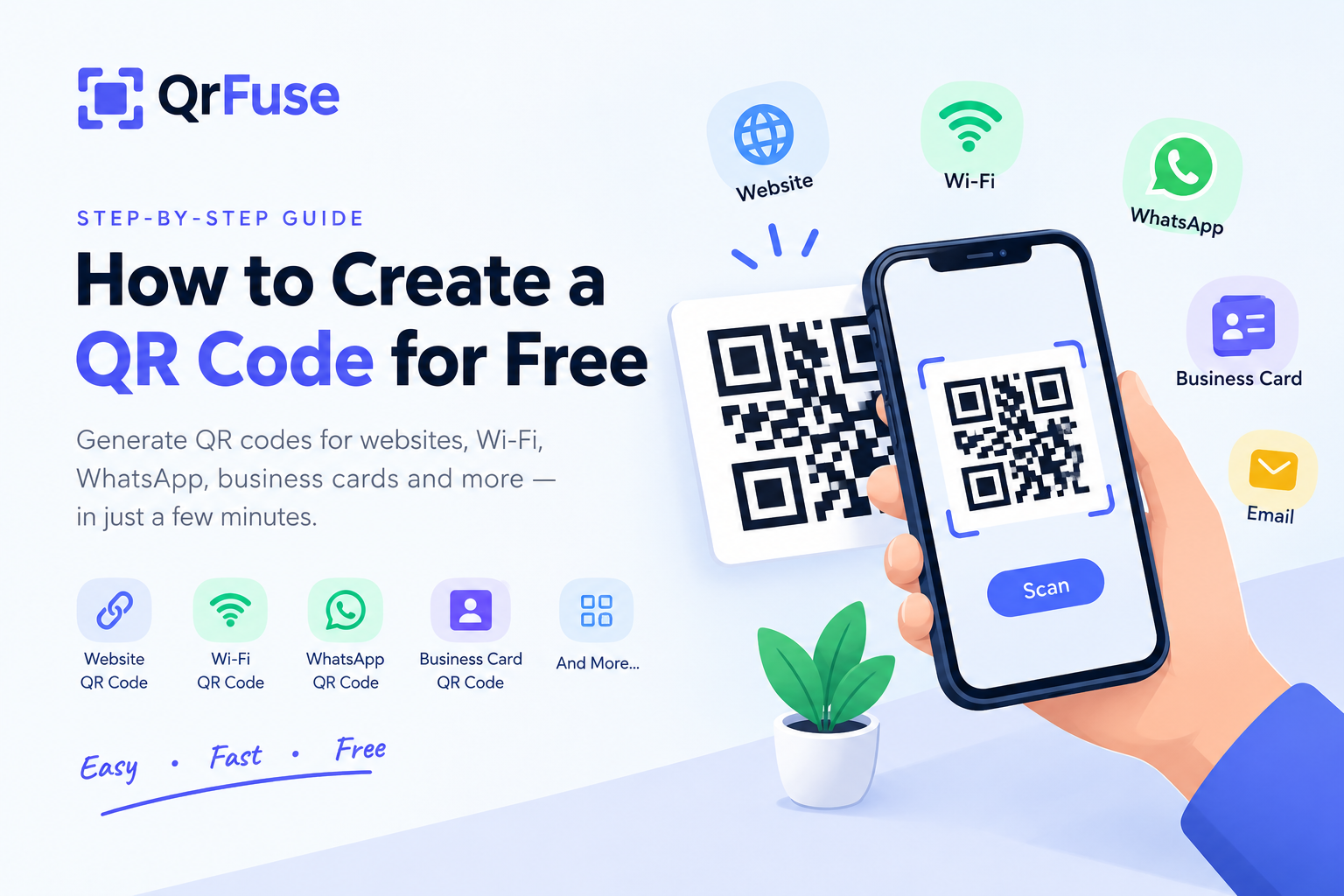
How to Create a QR Code for Free: A Complete Guide for 2026
QR codes have become one of the easiest ways to share information, connect customers with websites, and simplify everyday tasks. Whether you want to share a website link, provide Wi-Fi access, promote your business, or make contacting you easier, a QR code can help.
The best part? You can create a QR code in just a few steps using an online QR code generator.
In this guide, you'll learn how to create a QR code for free, explore different types of QR codes, and discover practical tips for making your codes easy to scan.
What Is a QR Code?
A QR code, or Quick Response code, is a two-dimensional barcode that stores information in a pattern of squares. Smartphones can scan these patterns to access information such as website URLs, contact details, Wi-Fi settings, and text.
QR codes are widely used by businesses, students, restaurants, marketers, and individuals because they make sharing information quick and convenient.
How to Create a QR Code for Free
Follow these simple steps to create your own QR code.
- Choose Your QR Code Type
Decide what information you want to share. This could be a website link, Wi-Fi connection details, contact information, or plain text.
2. Enter Your Information
Open the relevant QR code generator and enter the information you want to encode. For a website QR code, use the complete URL, including "https://".
3. Generate Your QR Code
Generate the code using the tool. If customization options are available, choose a design that suits your brand while maintaining good contrast and readability.
4. Download Your QR Code
Download the generated code in an available image format suitable for your intended use, whether digital sharing or printing.
5. Test Before Sharing
Scan the QR code with your smartphone to confirm that it works correctly and opens the intended destination.
Ready to create yours? Explore the free QR code tools available on QrFuse: https://qrfuse.vercel.app/
Types of QR Codes You Can Create
Different QR codes serve different purposes. Here are some popular options.
Website QR Code
A website QR code lets people access a webpage without manually typing its address. Use it on business cards, posters, flyers, packaging, and promotional materials.
Wi-Fi QR Code
A Wi-Fi QR code can help guests connect to a wireless network using a compatible device. It is useful for homes, offices, cafés, restaurants, and hotels.
WhatsApp QR Code
A WhatsApp QR code can direct users to a chat link, making it easier for customers to contact a business, ask questions, or request services.
Business Card QR Code
A contact QR code can share details such as a name, phone number, email address, and organization. It can make professional networking more convenient.
Restaurant Menu QR Code
Restaurants can use QR codes to direct customers to digital menus. When the menu is hosted on an editable webpage, businesses can update prices and dishes without replacing the printed QR code, provided its destination remains unchanged.
Email QR Code
An email QR code can open a compatible email application with a recipient address and, optionally, a subject or message already filled in.
Text QR Code
A text QR code stores plain text that can be displayed when scanned. It can be useful for instructions, short notes, educational information, or reference details.
Static vs. Dynamic QR Codes
Before creating a QR code for an important project, understand the difference between static and dynamic codes.
Static QR codes store information directly in the code. If the destination changes, you generally need to generate and distribute a new code.
Dynamic QR codes typically use a redirect link that can be updated through a supporting service. Depending on the provider, they may also offer scan analytics.
Static codes are suitable for fixed information, while dynamic codes can be helpful for marketing campaigns and destinations that may change.
Always check the provider's features and terms before relying on dynamic codes for long-term use.
Tips for Creating a QR Code That Works
A QR code should be easy to scan in the environment where people will use it.
- Use good contrast: A dark code on a light background is generally reliable.
- Keep a clear margin: Avoid placing text or graphics too close to the code.
- Choose the right size: Consider the scanning distance and printing quality.
- Be careful with logos: If you add a logo, ensure it does not interfere with scanning.
- Test the destination: Confirm that the link or information is correct.
- Add a call to action: Tell users what they will find, such as “Scan to visit our website.”
- Test printed copies: Check a sample before printing large quantities.
These simple practices can help reduce scanning problems and improve the user experience.
Are Free QR Codes Permanent?
A static QR code does not have an automatic expiration date built into it. However, its destination may stop working if a website is removed or a URL changes.
Dynamic QR codes may depend on a provider's redirect service, subscription, or other conditions.
Before printing a QR code on packaging, signage, or marketing materials, check the service's terms and make sure the destination will remain available.
Are QR Codes Safe?
QR codes can open websites and trigger other actions, so scan them thoughtfully.
- Scan codes from sources you trust.
- Check the destination URL before opening it.
- Avoid entering passwords or payment information on suspicious websites.
- Be cautious if a public QR code appears to have been replaced or covered.
- Verify payment and login pages before providing sensitive information.
Businesses should use clear instructions and recognizable branding to help customers understand where a QR code will take them.
Why Use QrFuse?
QrFuse provides an online starting point for people who want to explore QR code creation tools without a complicated process.
When choosing a QR code generator, look for straightforward input options, reliable code generation, suitable download formats, and support for the type of QR code you need.
Explore QrFuse to discover its available tools and find an option for your next project:
Visit QrFuse: https://qrfuse.vercel.app/
Frequently Asked Questions
How do I create a QR code for free?
Choose an online QR code generator, select the type of information you want to share, enter your details, generate the code, and download it. Test it before publishing.
Can I create a QR code for a website?
Yes. Enter your website URL into a compatible QR code generator and generate a code that directs users to the webpage.
Can I create a Wi-Fi QR code?
Yes. A Wi-Fi QR code can encode the network information needed for compatible devices to connect more easily.
Can I create a QR code for WhatsApp?
Yes. You can encode a suitable WhatsApp chat link or use a supported WhatsApp QR code feature to make contacting you more convenient.
Do QR codes expire?
Static QR codes do not inherently expire, but their destinations can become unavailable. Dynamic QR codes may depend on the provider's service and terms.
Can I customize my QR code?
Some generators support color changes, pattern styles, and logos. Customization options vary, and every customized code should be tested before use.
Do I need an app to scan a QR code?
Many modern smartphones can scan QR codes using their built-in camera. The available features depend on the device and software.
Can I print QR codes on business cards and flyers?
Yes. Use a suitable image format, maintain sufficient contrast, leave a clear margin, and test the printed code before producing a large batch.
Conclusion
QR codes make it easier to connect people with websites, contact information, Wi-Fi networks, menus, and other digital resources. Creating one is straightforward when you choose the right QR code type, enter accurate information, and test the result.
Whether you're creating a code for personal use, education, or business marketing, focus on making it useful, readable, and easy to scan.
Explore QrFuse and discover the available QR code tools for your next project.